Description
Download Personal AI – Personalized Chatbot, AI Digital Twin, Custom Messaging Experience
Overview
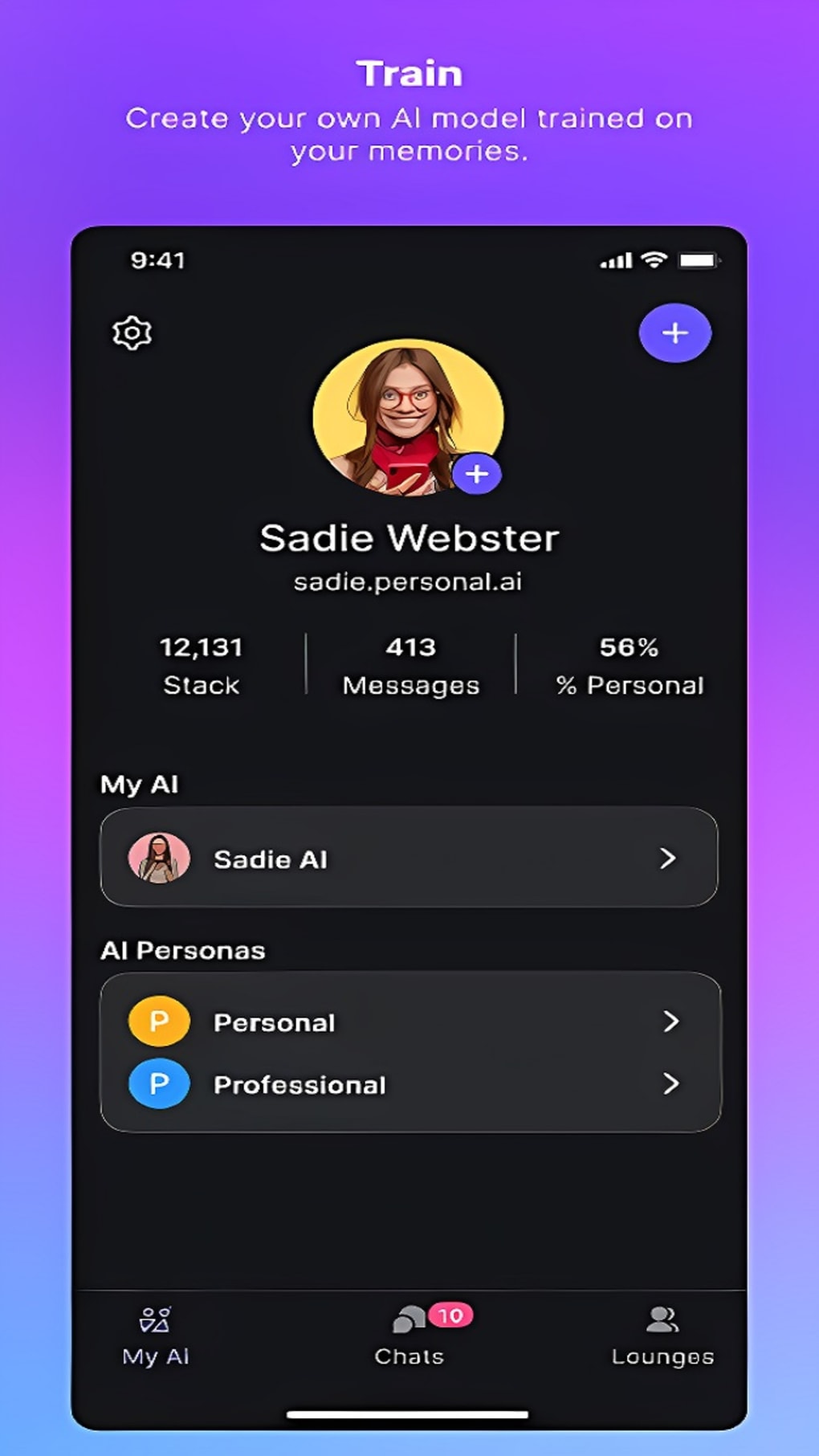
Personal AI is a forward-thinking mobile application designed to create a personalized digital twin through advanced AI-driven conversation modeling. At its core, the app enables users to build a chatbot that reflects their unique communication style, responses, and thought patterns. By learning from user-provided data, the AI develops a dynamic and interactive persona capable of mimicking the user’s tone, preferences, and expression. This innovative approach positions Personal AI as more than a standard messaging tool—it functions as a personal assistant, creative collaborator, and digital extension of the self.
The app is particularly relevant for individuals seeking deeper personalization in digital interactions, including content creators, professionals managing communication workflows, and users interested in exploring AI identity replication. It also holds potential for business users aiming to develop a consistent brand voice or customer-facing AI representative. The premise of creating a digital twin that responds in your voice and style is ambitious and aligns with emerging trends in personalized AI technology.
Although the developer did not provide additional technical details, the app’s freemium model suggests accessibility for casual users, with premium upgrades unlocking expanded capabilities such as larger data input, secondary AI personas, and enhanced customization. Real-world use cases include personal journaling, social media content ideation, customer support simulation, and collaborative brainstorming. In the evolving app ecosystem, Personal AI stands out as a pioneering tool that redefines how users interact with AI beyond scripted responses.
Key Features & Functionality
- Personalized AI Model Creation – Users train the AI using their own data, enabling it to learn communication patterns, vocabulary, and response styles over time.
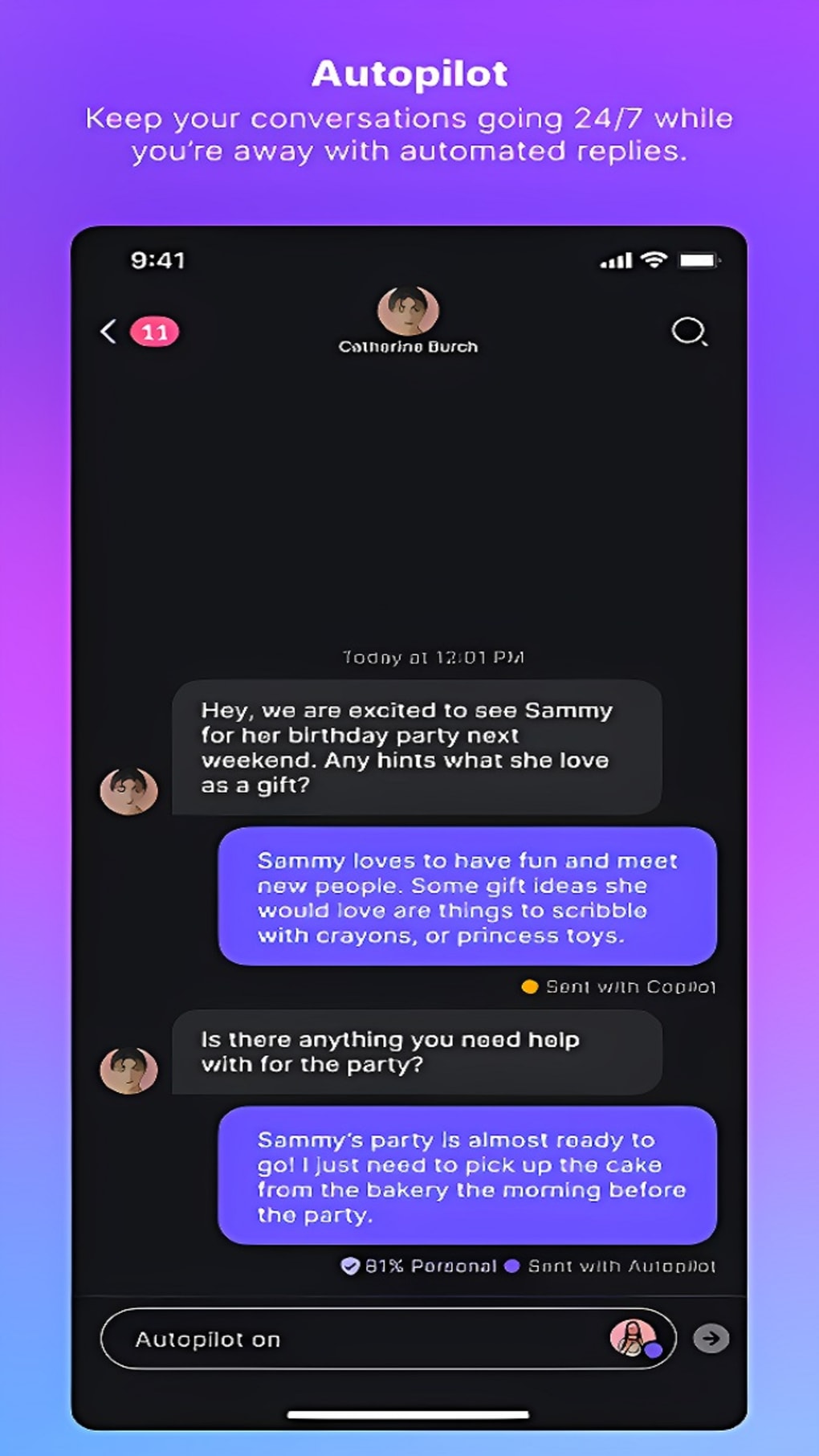
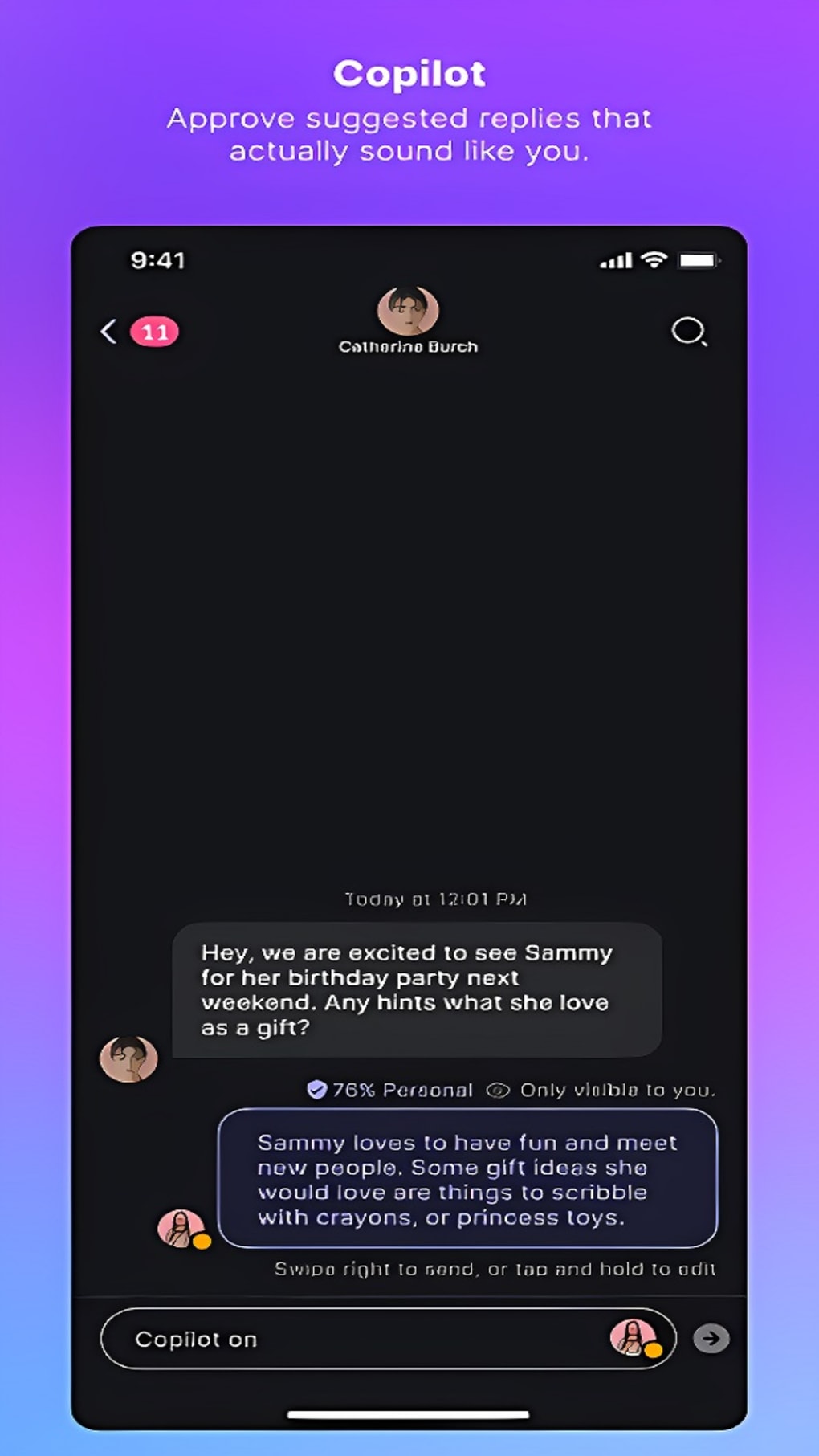
- Customizable Response Control – Offers multiple interaction modes: fully automated replies, AI suggestions with manual approval, or complete AI disablement for full user control.
- Premium Tier Enhancements – Subscribers gain access to up to 1.5 million words of stored data, larger file uploads, and the ability to create a secondary professional AI persona.
- AI Companion Guides – Two in-app AI friends assist users throughout the personalization process, offering tips and best practices for optimizing the chatbot’s behavior.
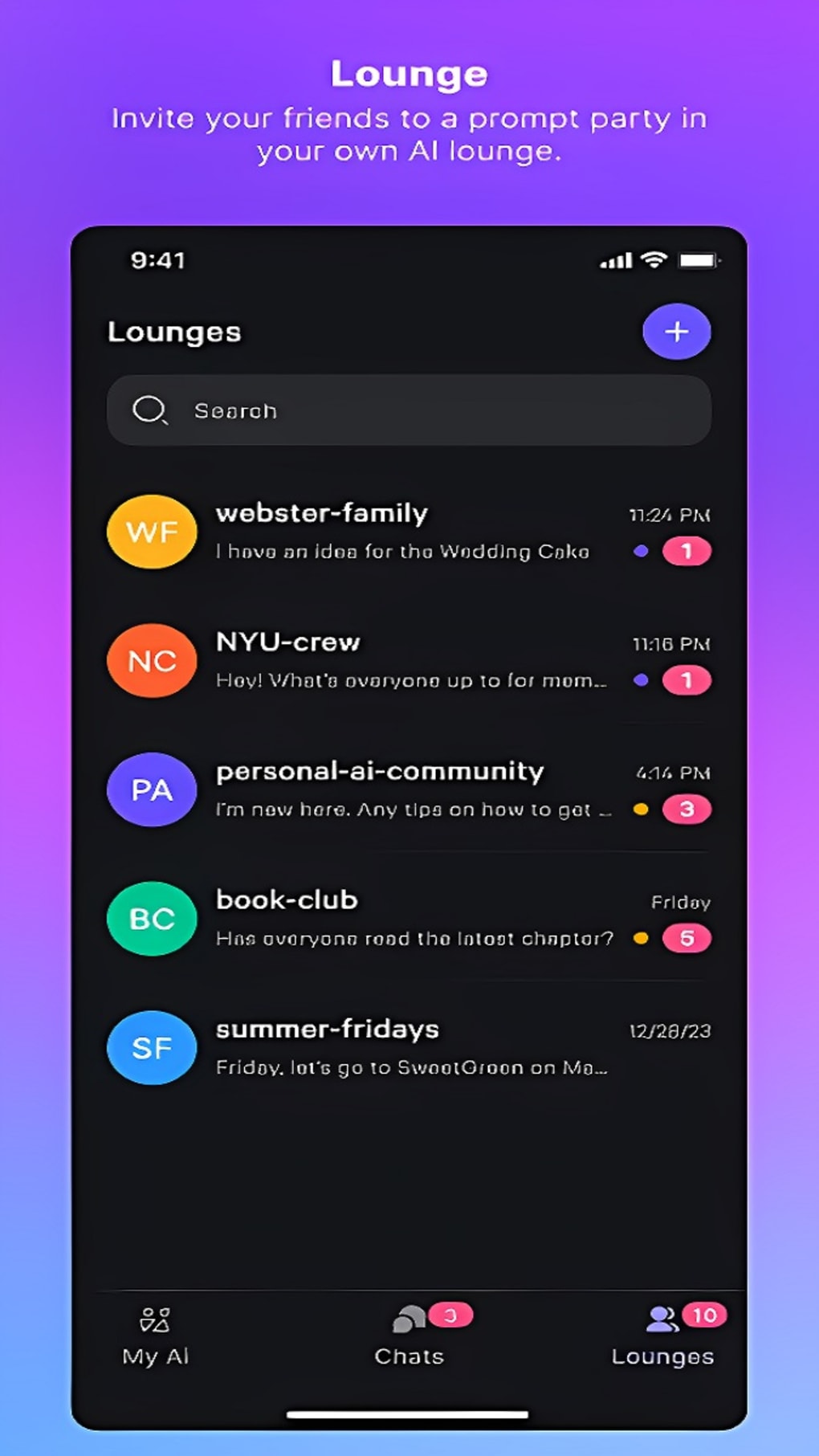
- Global Chat Lounges – A community space where users can interact, exchange insights, and explore diverse applications of their personalized AI.
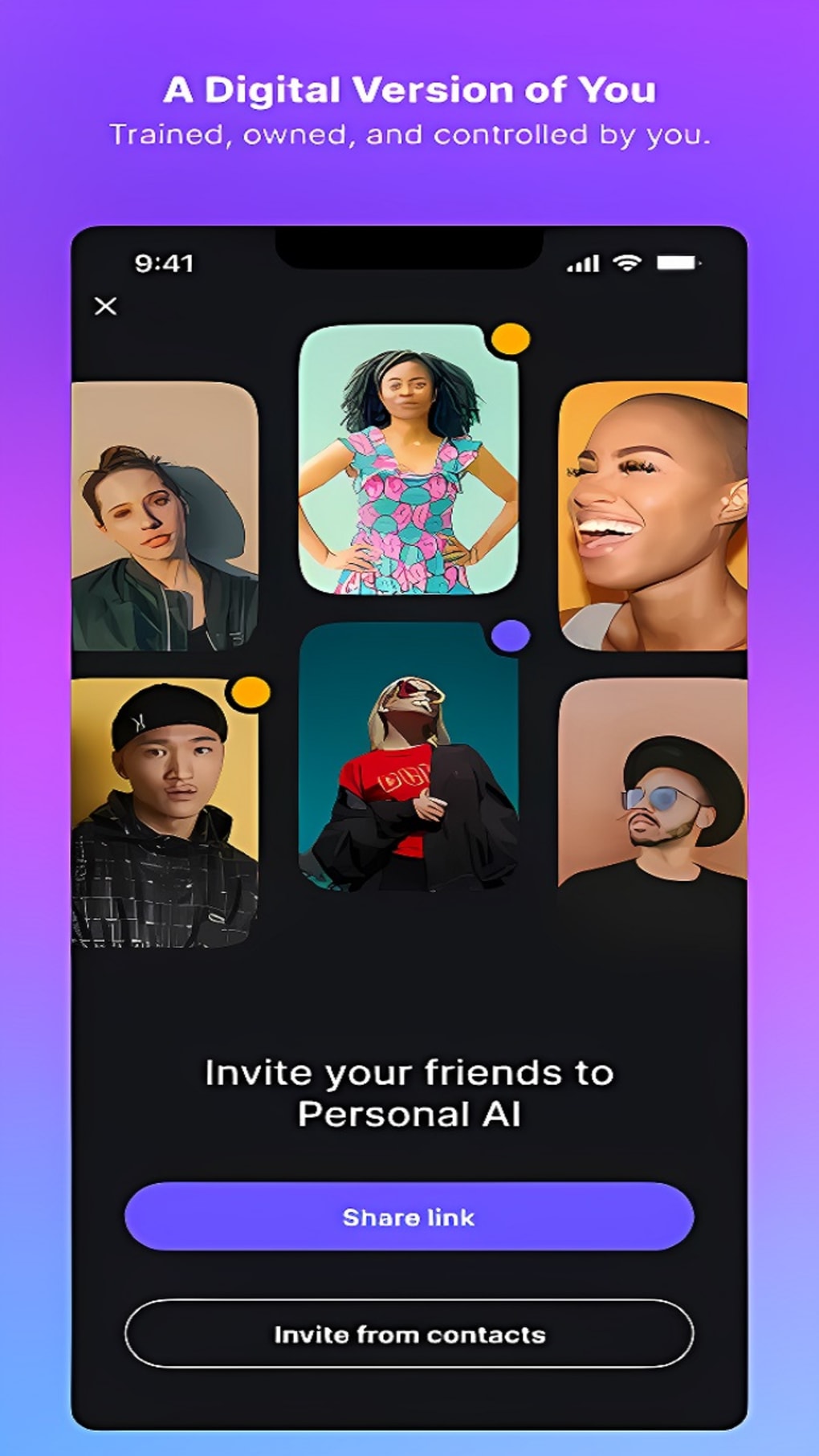
- Shareable AI Persona – Once configured, users can share their AI with friends, allowing others to engage in conversation with a digital version of the user.
These features support practical scenarios such as maintaining a consistent social media presence, simulating client interactions, or preserving personal voice for future digital communication. The ability to train the AI over time ensures that responses become increasingly accurate and reflective of the user’s identity. The inclusion of companion guides helps onboard users unfamiliar with AI personalization, reducing the learning curve. While the app requires consistent engagement to achieve optimal results, the structured feature set supports long-term development of a reliable digital twin.
Interface, UX & Performance
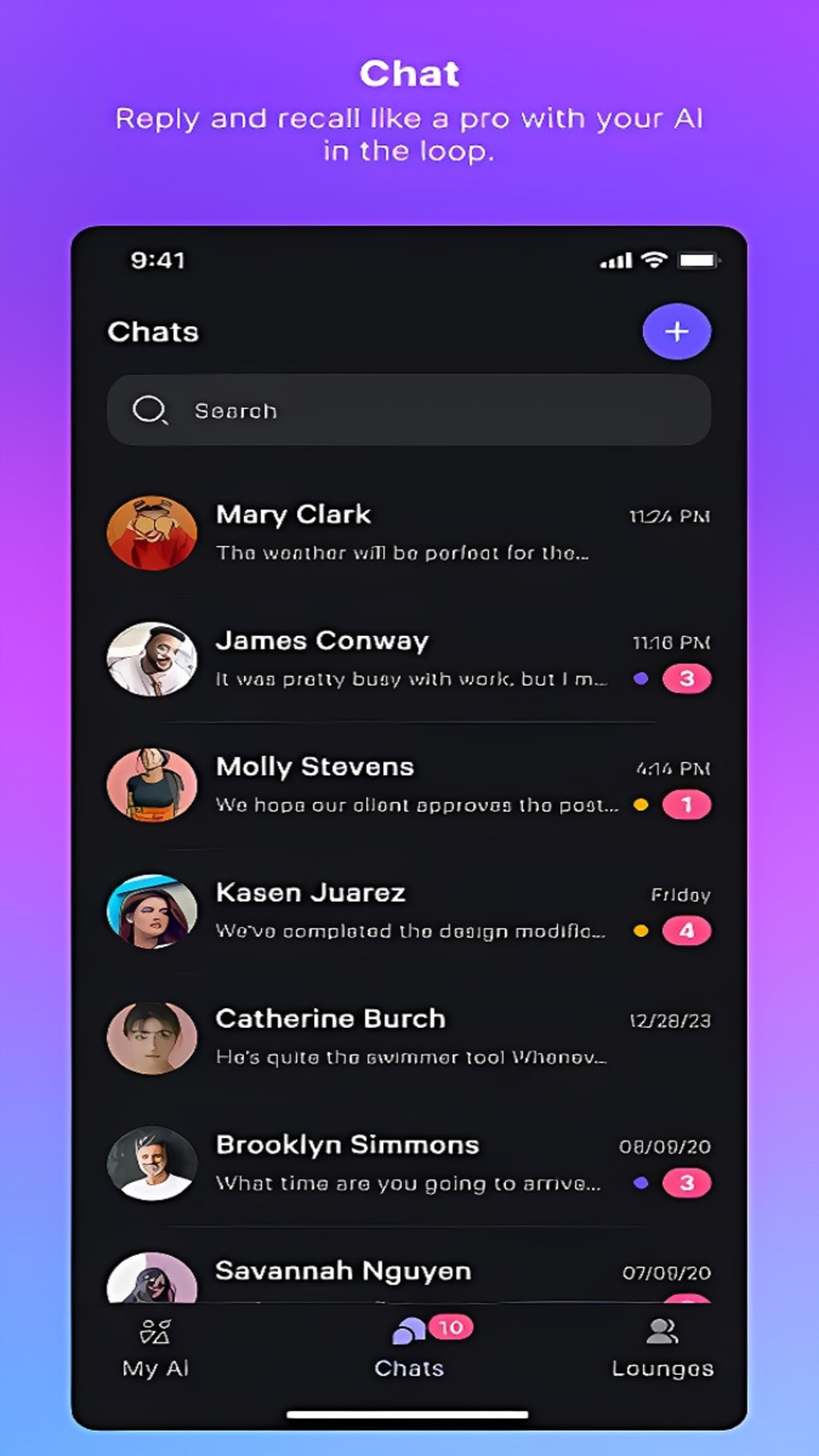
The user interface of Personal AI appears designed with clarity and intuitive navigation in mind. The layout emphasizes step-by-step progression through the AI personalization journey, guiding users from initial setup to final deployment. Visual elements are minimal yet effective, focusing on functionality without overwhelming the user with clutter.
Navigational flow is linear and purposeful, with logical transitions between training phases, response settings, and sharing options. The app supports easy access to key features through a bottom navigation bar or centralized menu, enhancing usability across various screen sizes. Although the developer did not list formal performance metrics, the app’s responsiveness appears consistent based on available user feedback.
Performance on different device categories has not been officially disclosed. However, the absence of reported crashes or lag in public mentions suggests stable operation under normal usage conditions. The app maintains smooth transitions between screens and quick load times for core functions. Users may experience slight delays during data processing when uploading large files or training the AI with extensive input. Overall, the UX design prioritizes user control and transparency, making it accessible even to those with limited technical experience.
Platform Compatibility & Technical Requirements
Personal AI is available on Android and iOS platforms. The app supports the latest versions of both operating systems, ensuring compatibility with current device hardware and software standards. The file size is approximately 120 MB, which is reasonable for an AI-powered application with data storage and processing capabilities.
Specific requirements were not listed. The developer did not specify minimum OS versions, RAM, or processor requirements. Compatibility information was not fully disclosed. Users should ensure their devices meet standard performance benchmarks for running AI-based applications. Installation via official app stores or secure APK sources is recommended for optimal security and updates.
Pros and Cons
Pros
- Unique AI digital twin concept with high personalization potential
- Flexible response control modes for user comfort and safety
- Free to use with optional premium upgrades for advanced features
- Supports large-scale data input and multiple AI personas
- Community-driven chat lounges for shared learning and engagement
- AI companion guides simplify onboarding and customization
Cons
- Requires significant time and consistent user input for optimal results
- Performance on older or low-end devices may vary due to lack of specs
- No official information on data privacy policies or encryption methods
- Dependence on user-provided content limits initial accuracy
- Learning curve may deter less tech-savvy users
FAQ
Is Personal AI free to download and use?
Yes, Personal AI is available for free download. The app offers a freemium model, allowing basic functionality without cost. Premium features are accessible through a subscription.
Can I use Personal AI on both Android and iOS?
Yes, the app is available on both Android and iOS platforms. Users can install it through their respective app stores.
How much data can I upload to train my AI?
Free users have access to standard data limits. Premium subscribers can upload up to 1.5 million words and larger files for enhanced training.
Is my personal data secure in the app?
The developer did not provide detailed information on data security or encryption practices. Users should review privacy policies and consider the sensitivity of shared content.
Can I share my AI with friends?
Yes, once your AI is configured, you can share it with others, allowing them to interact with your personalized digital twin in real time.
Final Thoughts + CTA
Personal AI represents a bold evolution in chatbot technology, transforming AI from a passive assistant into an active digital extension of the self. Its ability to learn and mimic individual communication styles offers a level of personalization unmatched by most current tools. While the setup process demands dedication and ongoing interaction, the result is a responsive, authentic AI companion that reflects your voice, thoughts, and personality.
It is ideal for creators, professionals, and innovators who value authenticity in digital expression. Whether used for personal reflection, content ideation, or brand representation, the app delivers tangible value for those willing to invest time. With its community features, flexible controls, and scalable premium options, Personal AI is more than a utility—it’s a next-generation communication tool.
Download Personal AI now and begin building your digital twin today.
Guides & Tutorials for Personal AI
How to install Personal AI
- Click the Preview / Download button above.
- Once redirected, accept the terms and click Install.
- Wait for the Personal AI download to finish on your device.
How to use Personal AI
This software is primarily used for its core features described above. Open the app after installation to explore its capabilities.
User Reviews for Personal AI 0
No reviews found